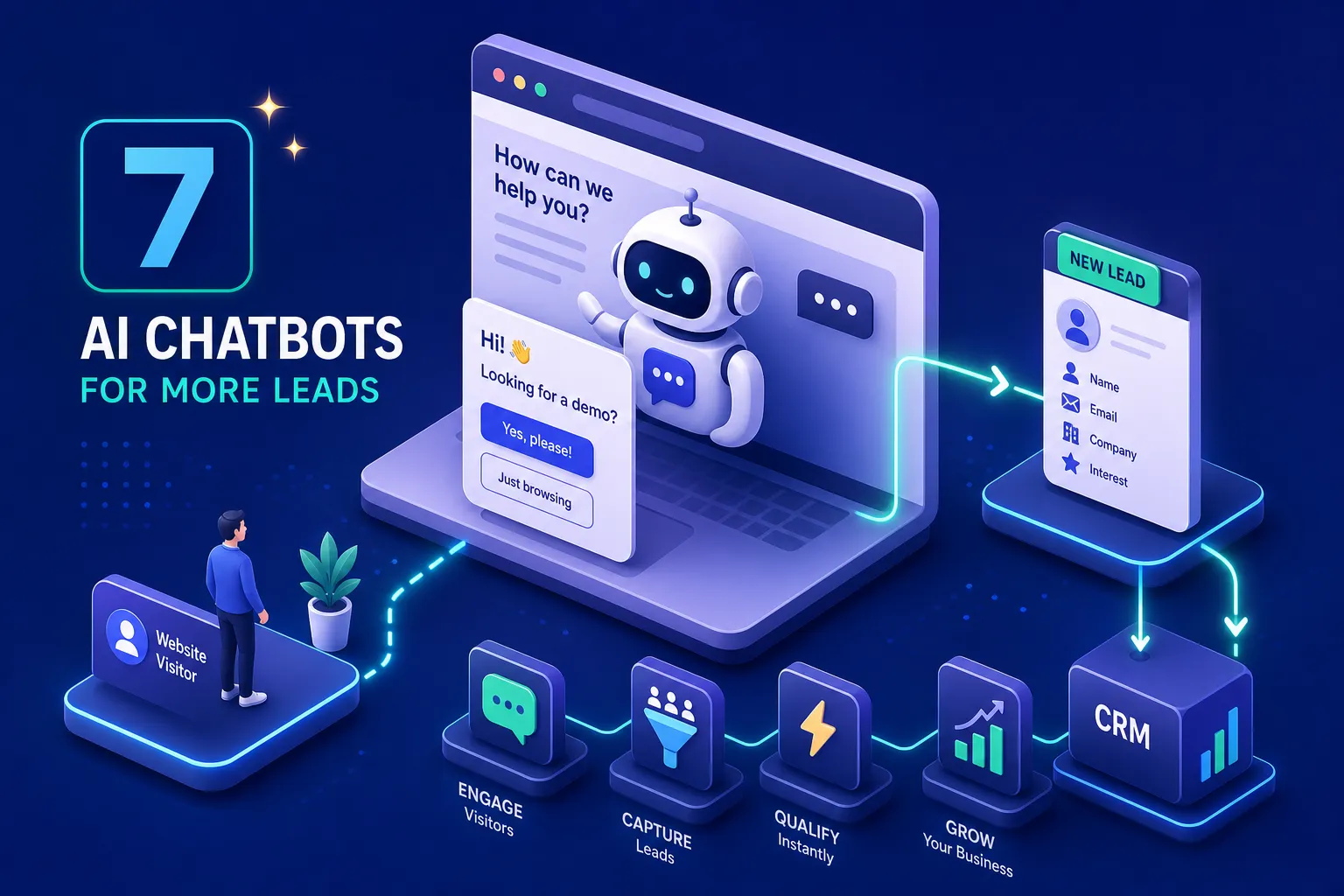
If you're asking what is the best AI chatbot for capturing leads on a website, the answer depends on something most buying guides skip entirely: whether the bot actually qualifies prospects or merely collects their contact details. Many websites that deploy a chatbot fall into the same trap, they configure it to gather an email address, call it lead generation, and wonder why the sales team is still drowning in unqualified enquiries. Gathering a contact is not the same as qualifying a prospect. A visitor who types their email into a chat widget has told you almost nothing about whether they're worth a sales conversation.
At ClickTake Technologies, we encounter this pattern regularly when auditing client conversion stacks. A chatbot sits on the homepage, asks for a name and email, passes nothing meaningful to the CRM, and the sales team manually triages every conversation. The tool itself is rarely the problem. The configuration is.
This article compares seven AI chatbot platforms evaluated against the criteria that actually affect lead conversion: conditional branching, CRM write-back depth, appointment booking capability, pricing relative to volume, and UK GDPR controls. By the end, you'll have a clear shortlist and a practical framework for trialling whichever platform fits your setup.
What makes a chatbot actually qualify leads, not just collect them
The difference between an AI lead capture chatbot and a genuine lead-qualification tool comes down to a handful of non-negotiable capabilities. A chatbot that asks "What's your email?" is replacing a form, not running a qualification process. Qualification means the bot branches based on answers, routes the lead based on budget or intent, and passes structured data directly to your CRM or sales inbox. Conditional logic, CRM write-back, and progressive profiling are the foundations; without them, you have a lead capture widget, not a qualification engine.
The criteria that separate lead qualification from lead collection
Every platform in this comparison was evaluated against five criteria:
- Conditional branching and multi-step flows, can the bot ask different questions based on previous answers, or does every visitor get the same sequence?
- Native CRM integration depth, does the bot write directly to your CRM, or does it rely on Zapier as a middleman?
- Appointment booking capability, can a qualified lead book a call without leaving the chat?
- Pricing transparency relative to volume, does the cost scale predictably as your traffic grows?
- UK GDPR data controls, where is data stored, and does the platform support consent capture and DSAR handling?
Why most chatbot deployments underperform on conversion
The failure mode is almost always the same: buy an off-the-shelf tool, use the default template, add no qualification logic, and connect nothing to the CRM. The result is a chat widget that collects contacts the sales team still has to manually review. Industry benchmarks from Ruler Analytics put average form-to-lead conversion at 1.7 to 2.9% across industries. Well-configured conversational lead generation flows can outperform that meaningfully, research from Drift and Intercom's own published benchmarks cite improvements of 20 to 35% in some deployments, with select high-intent implementations reporting conversion rates approaching three times a static form. The gap is not about the tool; it's about whether the tool is configured to do real qualification work.
What is the best AI chatbot for capturing leads on a website, 7 options compared
Rather than reviewing each platform in isolation, grouping them by primary use case gives you a faster route to a shortlist. The groups below map to the most common deployment scenarios.
Comparison overview
| Platform | Best for | Starting price | Conditional branching | Native CRM write-back | Booking | EU/UK data hosting |
|---|---|---|---|---|---|---|
| Tidio | SMB / e-commerce | From $29/mo | Paid tiers only | Via middleware | Limited | EU hosting available |
| Freshchat | Budget B2B | From $19/mo | Basic | CRM sync | No | Verify with vendor |
| Chatbase | Knowledge-heavy sites | From $32/mo | Limited | Via middleware | No | Verify with vendor |
| HubSpot | HubSpot CRM users | Free (HubSpot plan) | Yes | Native | Yes | EU hosting available |
| Landbot | B2B flow design | From $40/mo | Yes (strong) | Native HubSpot | Calendly | Verify with vendor |
| Intercom | Structured inbound | From $39/seat/mo | Yes | Native | Yes | EU hosting available |
| Drift | Enterprise pipeline | ~$2,500/mo | Yes (advanced) | Salesforce / Marketo | Yes | Verify with vendor |
Prices are indicative and subject to change. Verify current pricing and features directly with each vendor before purchasing.
Best for SMBs and e-commerce: Tidio, Freshchat, and Chatbase
Tidio is the strongest option in this group for e-commerce sites running Shopify or WooCommerce. Its lead-capture flows are visual and fast to deploy, and the free tier is genuinely usable for low-volume testing. According to Tidio's published feature documentation, conditional logic depth is restricted on lower pricing tiers, so complex branching requires a paid plan. For straightforward lead capture with product-aware integrations, it edges ahead of the other two in this group. Note that Tidio's pricing is published in USD; check the current rate on Tidio's pricing page for the equivalent in sterling.
Freshchat is a solid budget option with CRM sync and reasonable qualification flow support. The tradeoff, based on user reviews across G2 and Capterra, is that building anything beyond a basic flow requires more manual configuration than Tidio. Chatbase is purpose-built for AI bots trained on existing site content, which works well for knowledge-heavy businesses, but its native lead routing capabilities are thinner than dedicated qualification tools according to Chatbase's own feature documentation. For most e-commerce brands, Tidio is the pragmatic starting point.
Best for B2B and CRM-heavy teams: HubSpot chatbot and Landbot
HubSpot's native chatbot builder is free within the HubSpot ecosystem and writes directly to HubSpot CRM without any middleware. If your sales team already lives in HubSpot, this is the lowest-friction chatbot CRM integration available. There is no integration gap, no field-mapping setup across tools, and no data latency from a third-party connection.
Landbot offers genuinely strong visual flow-building with support for conditional branching, appointment booking, and Calendly integration. For B2B teams running qualification conversations that need to mirror an actual sales script, Landbot is the most flexible off-the-shelf option in this group. HubSpot wins on CRM depth; Landbot wins on conversation design flexibility. If you're not already in the HubSpot ecosystem, Landbot is worth trialling first.
Best for enterprise pipeline: Intercom and Drift
Intercom is a mature platform with strong AI capabilities through its Fin AI agent, which handles both resolution and qualification. Its integration library is broad, and it offers EU data hosting, relevant for UK-based businesses operating under UK GDPR. For companies running a structured inbound pipeline, it is a capable enterprise-grade option at a more accessible price point than Drift.
Drift sits at roughly $2,500/month and is firmly enterprise territory, with pipeline-intent scoring and direct integrations with Salesforce and Marketo. If your business operates high-volume inbound with a dedicated sales development team, Drift's routing and intent-scoring capabilities justify the investment. For most SMBs, the pricing puts it firmly out of scope.
Custom-built vs. off-the-shelf: where the conversion gap lives
The platforms above are strong starting points, but they share a fundamental ceiling. Every off-the-shelf tool is built to serve the widest possible audience, which means qualification logic, guardrails, and CRM data architecture are always a compromise between your specific sales process and every other customer's.
When an off-the-shelf tool is the right call
For most small e-commerce sites and early-stage B2B businesses with simple qualification criteria, Tidio, Landbot, or HubSpot's native chatbot is entirely sufficient. Setup time is low, cost is predictable, and the standard integrations cover most CRM stacks. The tradeoff is that you're configuring within the boundaries of someone else's template logic, a reasonable compromise when your qualification criteria are straightforward.
What a custom lead-qualification chatbot delivers
For B2B businesses with complex qualification criteria or high-value sales conversations, a custom build is where the meaningful conversion gains are. ClickTake Technologies designs and builds custom AI lead-qualification chatbots as part of its AI automation service offering, including built-in evaluation frameworks and guardrails: the bot's responses are tested against expected qualification outputs before going live, and guardrails prevent the bot from going off-script or collecting data outside its defined scope.
In a recent client engagement, a B2B services company saw a significant improvement in qualified-lead-to-meeting conversion rate (exact figures withheld by agreement) after replacing a generic chatbot flow with a structured qualification architecture built around their actual sales criteria. The key difference was conditional routing logic tied directly to CRM field mapping, not a generic template. Based on ClickTake's project experience, custom builds typically run a six to twelve week timeline with investment starting from £15,000 to £40,000 depending on integration complexity and scope. For businesses at this stage, a free 30-minute scoping call is a practical first step before committing to a SaaS subscription you'll under-configure.
CRM integrations and GDPR controls: what UK sites need to verify
Both of these due-diligence checks tend to be skipped during chatbot evaluation, and they're directly linked. Every data flow that a CRM integration creates raises exactly the compliance questions that UK GDPR governs.
Native vs. middleware CRM integrations: why the distinction matters
Several platforms advertise "CRM integration" but deliver it via Zapier or Make rather than a native connection. That distinction affects data latency, field-mapping control, and reliability. HubSpot's own chatbot writes natively to HubSpot CRM, the cleanest option for HubSpot users. Landbot also offers a native HubSpot connection with support for creating and updating contacts, companies, deals, and tickets directly within the chatbot flow. For Salesforce users, the native option is Einstein Bots within the Salesforce ecosystem; most third-party chatbots connect to Salesforce via middleware. Pipedrive native connections are thin across all platforms in this roundup, so middleware is typically required regardless of which tool you choose.
GDPR and UK data compliance checks before you deploy
UK businesses operating under UK GDPR need to verify several things before deploying any chatbot that collects personal data. Where is the data processed and stored, EU or UK residency, or US servers? Intercom offers EU hosting; Tidio also provides EU hosting options. Does the platform support consent capture and records of processing? This should be configured as part of the chatbot flow, not added as an afterthought. Can data subject access requests be handled through the platform, or does it require manual extraction?
Few vendors are explicit about UK data residency in their public documentation, so treat this as a question to ask directly during any trial or sales conversation. If a vendor cannot answer it clearly, that is itself a compliance risk signal worth noting before you go live.
How to shortlist and trial the right chatbot for your site
You now have enough to shortlist. This section cuts to the practical decision logic so you don't stall on evaluation.
Key questions before choosing a platform
Start with these questions before selecting any AI lead capture chatbot. What is the primary goal, volume lead capture, structured qualification, or pipeline routing? The answer determines whether a simple widget or a complex flow builder is right. Does your CRM require a native integration, or can you work with middleware? This immediately eliminates or prioritises several platforms on the list above. Do you have an in-house team to configure and iterate the bot, or do you need a build-and-deploy partner? If the answer is the latter, scoping a custom build before committing to a SaaS subscription is the more efficient route.
A 30-day trial approach that gives you real conversion data
Start with one platform on a single high-traffic page, not site-wide. Measure the current form conversion rate on that page before the chatbot goes live; this is your baseline. Run the chatbot for 30 days with at least three qualification questions and CRM write-back enabled from day one, this is a suggested testing approach rather than a fixed protocol, but it gives you enough data to make an informed decision. At the end of the trial, compare qualified-lead volume against the pre-chatbot baseline, not just raw conversations or chat sessions. That comparison is the only data point that tells you whether to pay for a subscription, switch platforms, or escalate to a custom build.
Choosing the right fit for your business
So, what is the best AI chatbot for capturing leads on a website? The honest answer is that it depends on your qualification complexity, your CRM stack, and whether you have the internal resource to configure it properly. For most SMBs, Tidio, Landbot, or HubSpot's native tool will cover the majority of use cases at a predictable monthly cost. For businesses that need structured qualification logic, guardrails, and direct CRM architecture built around their actual sales process, a custom build is worth the investment.
Frequently asked questions
Which AI chatbot is best for capturing website leads on a small budget?
For small budgets, Tidio and HubSpot's free chatbot are the strongest starting points. Tidio suits e-commerce businesses; HubSpot suits teams already using HubSpot CRM. Both support basic conditional flows and CRM write-back without significant upfront cost.
Do I need a custom chatbot or will an off-the-shelf tool work?
Off-the-shelf tools work well for straightforward qualification criteria and standard CRM stacks. If your sales process involves complex routing logic, bespoke scoring, or tight CRM data architecture requirements, a custom build will typically deliver better conversion outcomes.
What GDPR checks should I run before deploying a chatbot?
Verify where data is stored (EU or UK residency vs US servers), confirm the platform supports consent capture within the chat flow, and check whether data subject access requests can be handled without manual extraction. Ask vendors these questions directly, vague answers are a compliance risk signal.
If you're still weighing up what is the best AI chatbot for capturing leads on a website for your specific situation, ClickTake Technologies offers a free 30-minute consultation to audit your current chatbot setup or scope a custom qualification build. Book a 30-minute call to get a straight assessment of what your conversion stack needs. Book your free call here.
Want this work shipped for your brand? ClickTake Technologies delivers end-to-end ai automationengagements — from strategy to execution to ongoing optimization — for ambitious brands across four regions. Book a free 30-minute consultation and we'll scope it together.